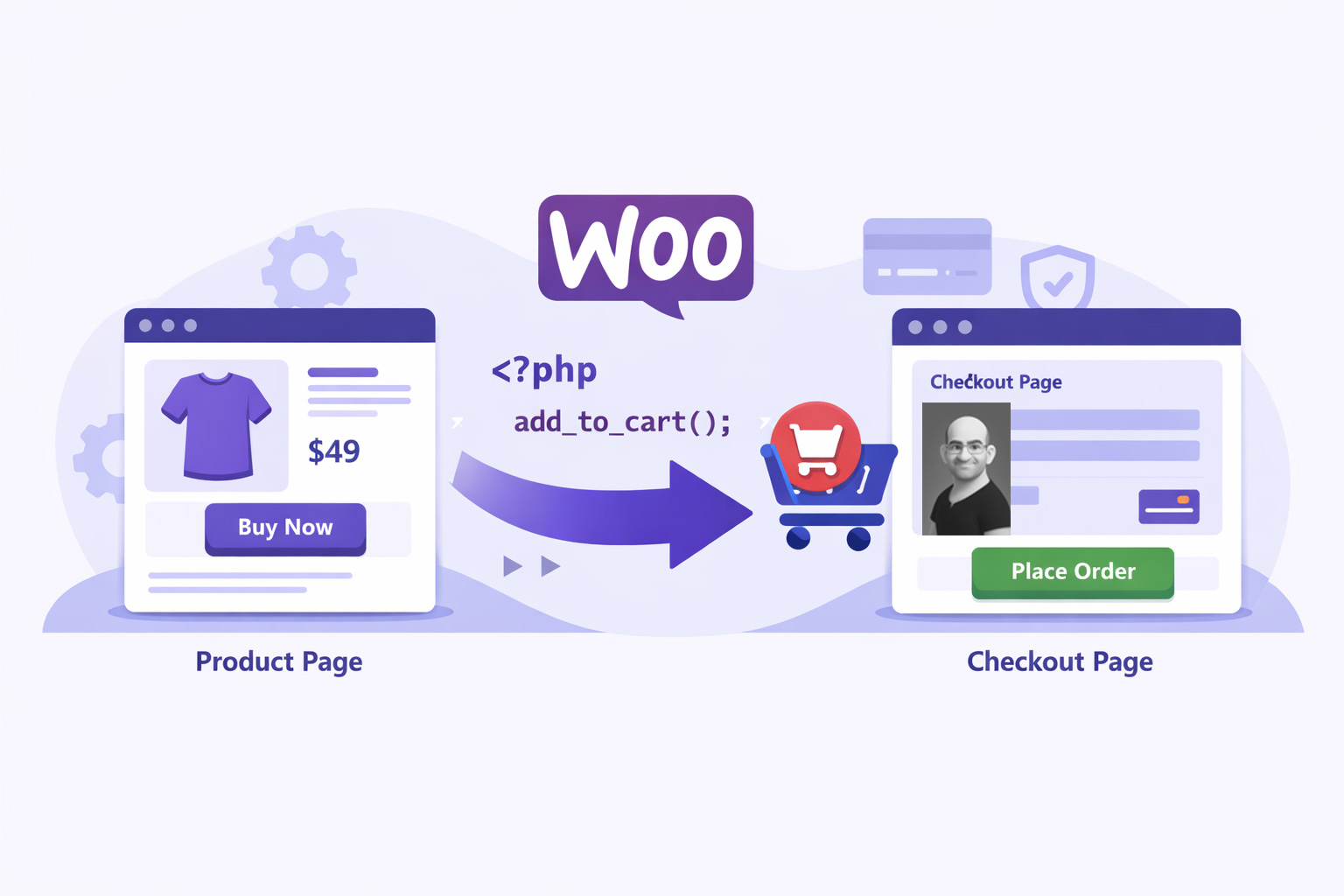
WooCommerce is powerful, but by default it follows a Cart → Checkout flow.
For landing pages, ads, D2C products, services, bookings, or limited offers, this extra step can reduce conversions.
That’s where Single Product Checkout comes in.
In this blog, we’ll build our own WooCommerce plugin that:
✅ Skips the cart page
✅ Automatically adds a specific product
✅ Redirects users straight to checkout
✅ Locks quantity to 1
✅ Ensures only one product is purchased
All using clean PHP hooks — no third-party plugins.
Why Use Single Product Checkout?
Single Product Checkout is ideal when:
- You sell one flagship product
- You run Facebook / Google Ads
- You use landing pages
- You sell services, tickets, subscriptions
- You want faster checkout & higher conversion
Many premium plugins do this — but as developers, we should control the logic ourselves.
Plugin Architecture Overview
We’ll create a lightweight custom plugin using WooCommerce hooks.
Plugin Responsibilities:
- Detect product page
- Check specific product ID
- Auto-add product to cart
- Redirect to checkout
- Prevent other products from being added
Plugin Folder Structure
wp-content/
└── plugins/
    └── single-product-checkout/
        └── single-product-checkout.php
Only one file is enough.
Step 1: Create the Plugin File
Create this file:
single-product-checkout.php
<?php
/**
 * Plugin Name: Single Product Checkout (Custom)
 * Description: Redirects a specific WooCommerce product directly to checkout.[https://ipdata.in]
 * Version: 1.0
 * Author: Taabeer Ahmad
 */

if ( ! defined( 'ABSPATH' ) ) {
    exit;
}
This header allows WordPress to recognize your plugin.
Step 2: Define Product ID
We must specify which product will use direct checkout.
define( 'SPC_PRODUCT_ID', 123 ); // Replace with your product ID
How to Find Product ID?
Admin Panel → Products → Hover over product → ID shown
Step 3: Auto-Add Product & Redirect to Checkout
This is the core logic.
add_action( 'template_redirect', 'spc_direct_checkout' );

function spc_direct_checkout() {

    if ( ! is_product() ) return;

    global $post;

    if ( $post->ID != SPC_PRODUCT_ID ) return;

    if ( is_admin() ) return;

    if ( WC()->cart->is_empty() ) {
        WC()->cart->add_to_cart( SPC_PRODUCT_ID );
    }

    wp_safe_redirect( wc_get_checkout_url() );
    exit;
}
How This Works:
- Runs before page loads
- Checks if current page is product page
- Matches specific product ID
- Adds product to cart if empty
- Redirects user to checkout
Result:
User never sees the cart page
Step 4: Skip Cart Page Completely
Even if someone clicks “Add to Cart”, we force checkout.
add_filter( 'woocommerce_add_to_cart_redirect', 'spc_skip_cart' );

function spc_skip_cart() {
    return wc_get_checkout_url();
}
Step 5: Lock Quantity to 1 (Optional)
Perfect for:
- Services
- Subscriptions
- Fixed-price offers
  add_filter( 'woocommerce_quantity_input_args', 'spc_lock_quantity', 10, 2 );

function spc_lock_quantity( $args, $product ) {

    if ( $product->get_id() == SPC_PRODUCT_ID ) {
        $args['min_value'] = 1;
        $args['max_value'] = 1;
    }

    return $args;
}
Step 6: Remove Other Products from Cart
This ensures only one product can be purchased.
 add_action( 'woocommerce_before_calculate_totals', 'spc_remove_other_products' );

function spc_remove_other_products( $cart ) {

    if ( is_admin() && ! defined( 'DOING_AJAX' ) ) return;

    foreach ( $cart->get_cart() as $cart_item_key => $cart_item ) {
        if ( $cart_item['product_id'] != SPC_PRODUCT_ID ) {
            $cart->remove_cart_item( $cart_item_key );
        }
    }
}
Testing Checklist
✅ Activate plugin
✅ Open product page
✅ Redirects to checkout
✅ Quantity locked
✅ No cart page
✅ Payment works
Test with:
- Razorpay
- Stripe
- COD
- PayU
Important Notes
| Feature | Supported |
|---|---|
| Simple Product | ✅ |
| Variable Product | ⚠️ Needs extra logic |
| Subscriptions | ✅ |
| Elementor Landing Pages | ✅ |
| Razorpay | ✅ |
Advanced Customizations (Next Level)
You can enhance this plugin by adding:
URL Based Pricing
?price=999
Auto-Apply Coupons
WC()->cart->apply_coupon('WELCOME50');
Conditional Checkout Fields
- Hide shipping
- Hide company name
- Hide phone/email
Multiple Product Checkout Pages
Using array of product IDs
Frequently Asked Questions
What is WooCommerce Single Product Checkout?
How do I skip the cart page in WooCommerce?
You can skip the cart page in WooCommerce by using PHP hooks such as:
- template_redirect
- woocommerce_add_to_cart_redirect
These hooks allow you to automatically add a product to the cart and redirect users straight to the checkout page programmatically.
Can I create a single product checkout without a plugin?
Is Single Product Checkout good for conversion?
Does this work with Razorpay, Stripe, or COD?
Yes.
This checkout method works with all major WooCommerce payment gateways including:
- Razorpay
- Stripe
- PayU
- Cash on Delivery (COD)
No additional configuration is required.
Can I lock the product quantity to 1?
Does this support variable products?
Is this method safe for production websites?
Can I use this with Elementor or landing pages?
Is this better than paid plugins?
For developers and custom projects, yes.
A custom solution provides:
- Better performance
- No license cost
- Full control
- Easier customization
Paid plugins may be better for non-technical users who prefer UI-based settings.