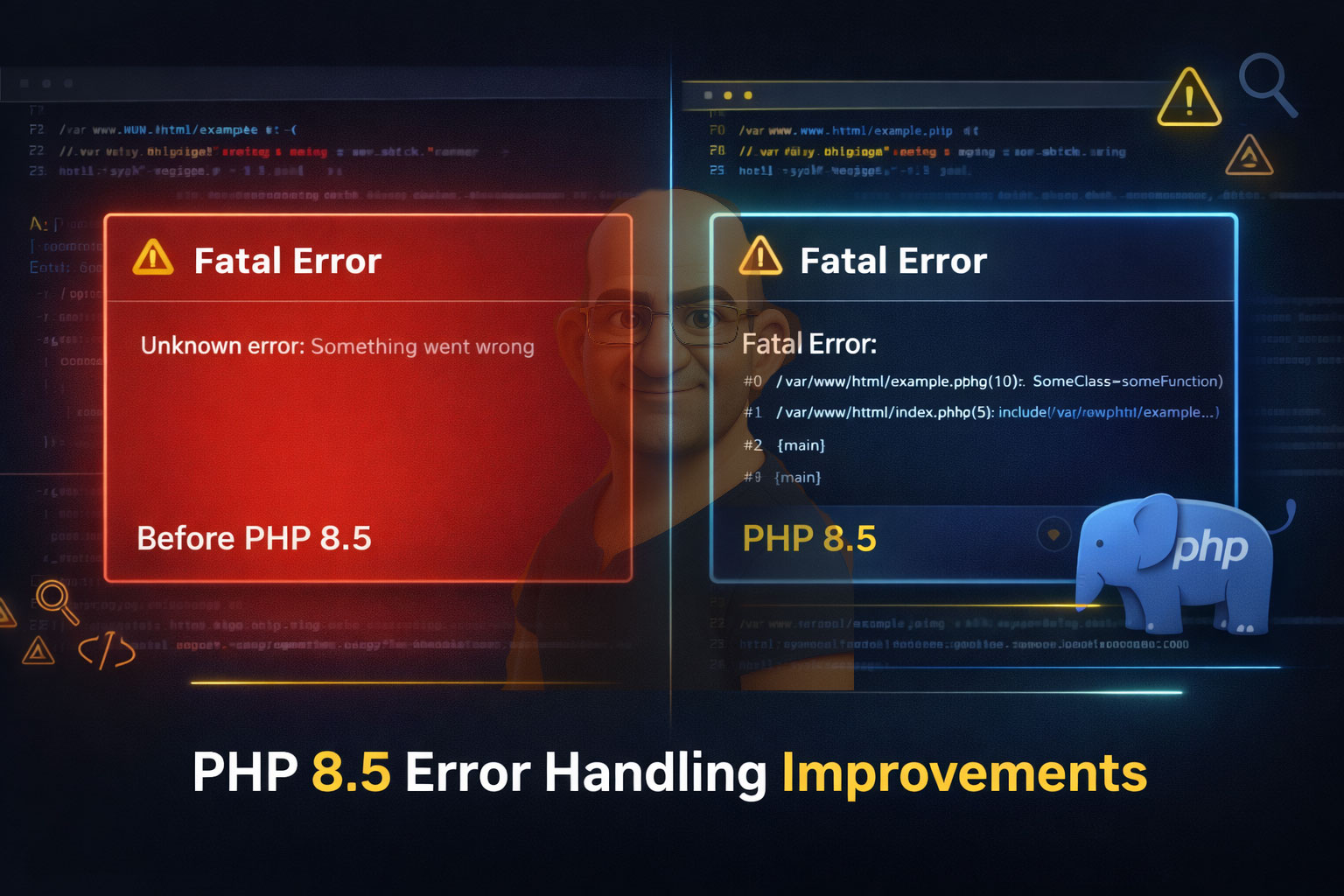
PHP 8.5 is shaping up to be a developer-experience–focused release, and two important improvements stand out for debugging and observability:
- Fatal Error Stack Traces
- Error & Exception Handler Getters
These changes aim to reduce debugging time, improve error visibility, and give frameworks and tools more control over PHP’s internal error-handling mechanisms.
In this article, we´ll explore what problems existed before, what PHP 8.5 improves, and practical examples showing how developers can benefit from these features.
1. Fatal Error Stack Traces
The Problem Before PHP 8.5
In PHP versions up to 8.4, fatal errors (such as calling an undefined function, accessing a property on null, or running out of memory) would:
- Terminate script execution immediately
- Display a short error message
- Not provide a full stack trace in many fatal scenarios
This made debugging production issues difficult, especially when:
- Errors occurred deep inside framework code
- The failure was triggered indirectly
- Logs lacked sufficient context
Example (Before PHP 8.5)
 function levelOne() {
levelTwo();
}


function levelTwo() {
levelThree();
}


function levelThree() {
undefinedFunction();
}


levelOne();
Typical output (simplified):
Fatal error: Uncaught Error: Call to undefined function undefinedFunction()
Missing information: Which function called it? From where? In what order?
What’s New in PHP 8.5
PHP 8.5 introduces automatic stack traces for fatal errors, aligning fatal error output more closely with uncaught exceptions.
Now, when a fatal error occurs, PHP can provide:
- Full call stack
- File names and line numbers
- Clear execution flow
This makes fatal errors far easier to diagnose, especially in logs.
Example in PHP 8.5
Using the same code as before:
levelOne();
Expected output (conceptual):
 Fatal error: Uncaught Error: Call to undefined function undefinedFunction()
Stack trace:
#0 /app/example.php(8): levelThree()
#1 /app/example.php(4): levelTwo()
#2 /app/example.php(12): levelOne()
You immediately see:
- The execution path
- The exact failure point
- The order of function calls
Why This Matters
- Faster debugging in production logs
- Improved error monitoring (Sentry, New Relic, etc.)
- Better framework diagnostics
- Reduced guesswork for developers
2. Error & Exception Handler Getters
The Problem Before PHP 8.5
PHP allows developers to define custom handlers using:
 set_error_handler();
set_exception_handler();
However, there was no official way to retrieve the currently registered handlers.
This caused issues for:
- Frameworks
- Middleware
- Debug tools
- Libraries that temporarily override handlers
Common Workaround (Pre-8.5)
Developers often stored handlers manually:
$previousHandler = set_exception_handler($myHandler);
This approach:
- Was error-prone
- Didn’t work well across multiple layers
- Made handler chaining difficult
What’s New in PHP 8.5
PHP 8.5 introduces getter functions for error and exception handlers.
These allow you to inspect the current handler without modifying it.
Conceptually, PHP 8.5 provides:
 get_error_handler();
get_exception_handler();
(Exact function names may evolve before final release.)
Basic Example
set_exception_handler(function (Throwable $e) {
echo "Custom Exception Handler: ".$e->getMessage();
});


$currentHandler = get_exception_handler();


var_dump($currentHandler);
You can now:
- Inspect existing handlers
- Decide whether to replace or wrap them
- Restore handlers safely
Advanced Example: Handler Wrapping
$previousHandler = get_exception_handler();


set_exception_handler(function (Throwable $e) use ($previousHandler) {
// Custom logging
error_log($e);


// Delegate to previous handler
if ($previousHandler) {
$previousHandler($e);
}
});
This pattern is extremely useful for:
- Logging libraries
- Debug toolbars
- Framework bootstrapping
Error Handler Example
set_error_handler(function ($severity, $message, $file, $line) {
echo "Error [$severity]: $message in $file on line $line";
});


$currentErrorHandler = get_error_handler();
This allows safe inspection and chaining without breaking existing logic.
Real-World Use Cases
1. Frameworks
- Safely integrate third-party libraries
- Avoid overwriting application-level handlers
- Improve error visibility
2. Monitoring & Logging Tools
- Attach logging without hijacking handlers
- Restore original behavior cleanly
3. Debugging & Dev Tools
- Provide richer error pages
- Detect active handlers dynamically
4. Enterprise Applications
- Better production diagnostics
- Reduced MTTR (Mean Time to Resolution)
PHP 8.5 vs PHP 8.4 (Summary)
| Feature | PHP 8.4 | PHP 8.5 (In Development) |
|---|---|---|
| Fatal error stack traces | ❌ Limited | ✅ Detailed |
| Inspect error handlers | ❌ No | ✅ Yes |
| Inspect exception handlers | ❌ No | ✅ Yes |
| Debugging experience | ⚠️ Moderate | 🚀 Improved |
PHP 8.5 continues PHP’s evolution toward modern, developer-friendly error handling.
- Fatal Error Stack Traces remove blind spots in debugging
- Error & Exception Handler Getters empower frameworks and tools
Together, these features significantly improve observability, reliability, and maintainability of PHP applications.
If you work with large PHP codebases, frameworks, or production systems, PHP 8.5’s error-handling improvements alone are worth the upgrade.
Stay tuned for more PHP 8.5 feature deep dives!