

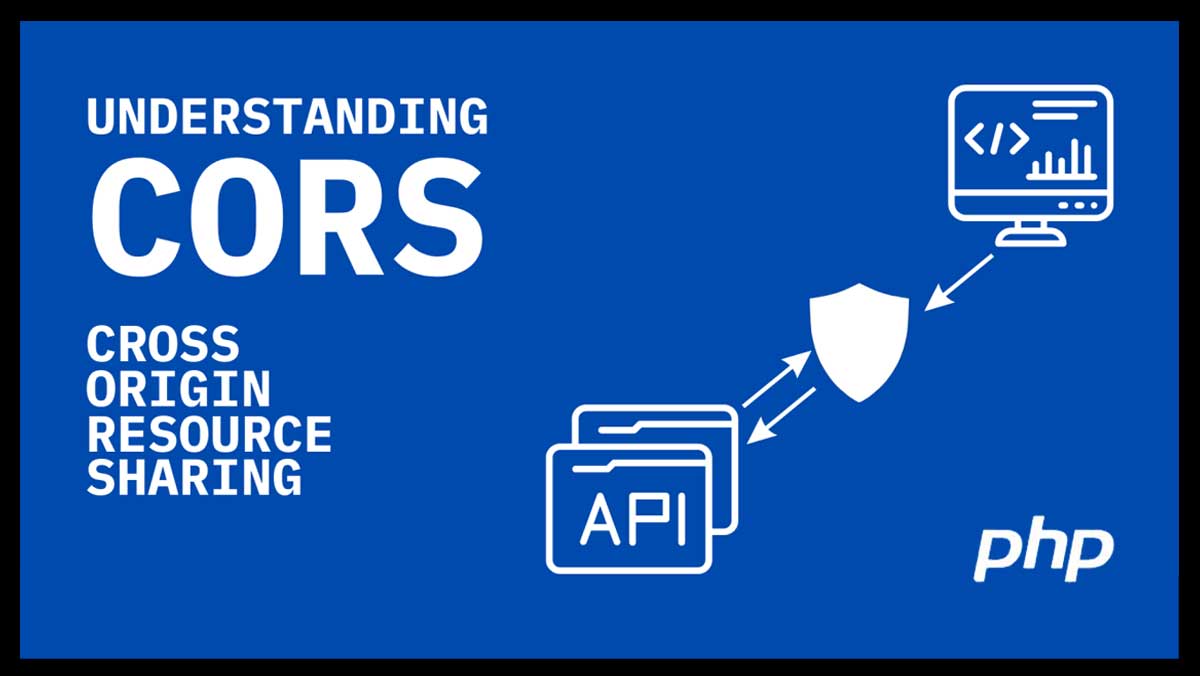
Modern web applications often request resources from multiple domains. For example, a frontend app on https://app.example.com may need to call a backend API hosted at https://api.example.com. Browsers enforce a security p4licy called Same-Origin Policy, which blocks requests between different origins unless explicitly allowed.
This is where Cross-Origin Resource Sharing (CORS) comes in. It allows servers to specify which origins are permitted to access resources.
How to Enable CORS in PHP
You can handle CORS in PHP by setting specific HTTP headers at the top of your PHP script.
Example: Allow all domains (development only)
    <?php
header("Access-Control-Allow-Origin: *");
header("Content-Type: application/json; charset=UTF-8");

// Your API logic here
$data = ["status" => "success", "message" => "CORS enabled"];
echo json_encode($data);
?>
Explanation:
- Access-Control-Allow-Origin: * → allows any domain to access the resource.
- Content-Type → ensures the browser treats the response as JSON.
Example: Allow specific domain
<?php
$allowedOrigin = "https://app.example.com";
if ($_SERVER['HTTP_ORIGIN'] == $allowedOrigin) {
    header("Access-Control-Allow-Origin: $allowedOrigin");
}

header("Content-Type: application/json; charset=UTF-8");
$data = ["status" => "success"];
echo json_encode($data);
?>
Explanation:
- Only the specified origin is allowed.
- Safer than using * in production.
Handling Preflight Requests
Some requests (like POST with JSON) trigger a preflight OPTIONS request. You can handle it as follows:
    <?php
header("Access-Control-Allow-Origin: https://app.example.com");
header("Access-Control-Allow-Methods: GET, POST, OPTIONS");
header("Access-Control-Allow-Headers: Content-Type, Authorization");

if ($_SERVER['REQUEST_METHOD'] == 'OPTIONS') {
    http_response_code(200);
    exit();
}
- Access-Control-Allow-Methods → allowed HTTP methods
- Access-Control-Allow-Headers → allowed headers from client
Conclusion
CORS is essential for modern web apps that interact with APIs on different domains. By setting proper PHP headers, you can allow cross-origin requests safely while maintaining control over who can access your resources.
🔗 References:



“Fantastic breakdown of CORS in PHP! This article really clarifies the ‘why’ behind Cross-Origin Resource Sharing and provides clear, actionable examples for setting the necessary HTTP headers. I especially appreciate the detailed explanation of Access-Control-Allow-Origin and the security considerations. This will be a go-to resource for anyone struggling with CORS issues in their PHP applications. Thanks for sharing such a valuable guide!”