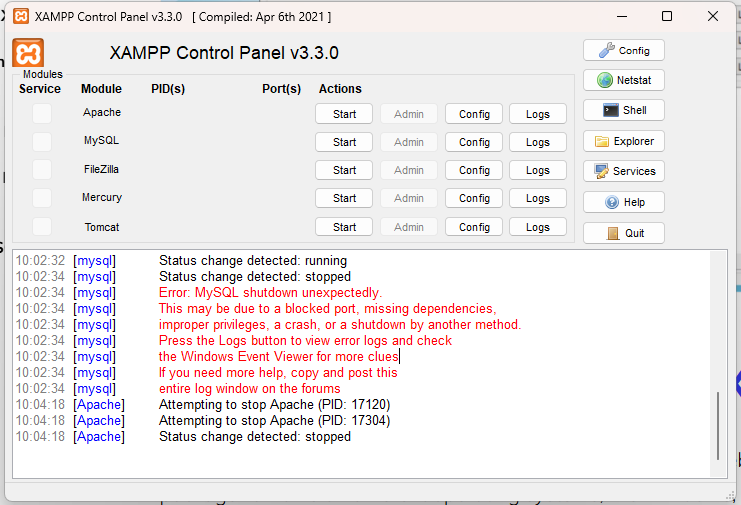
As the name of the error implies, this is the message you see if the MySQL software on your environment shuts down or ceases to function unexpectedly:
Just follow these steps and its done.
- Rename the folder
C:\xampp\mysql\datatoC:\xampp\mysql\data_old(you can use any name) - Create a new folder
C:\xampp\mysql\data - Copy the content that resides in
C:\xampp\mysql\backupto the newC:\xampp\mysql\datafolder - Copy all your database folders that are in
C:\xampp\mysql\data_oldtoC:\xampp\mysql\data(skip the mysql, performance_schema, and phpmyadmin folders fromC:\xampp\mysql\data_old) - Finally copy the ibdata1 file from
C:\xampp\mysql\data_oldand replace it insideC:\xampp\mysql\datafolder - Now Start MySQL from XAMPP control panel
And its all done, Enjoy..